Key Features
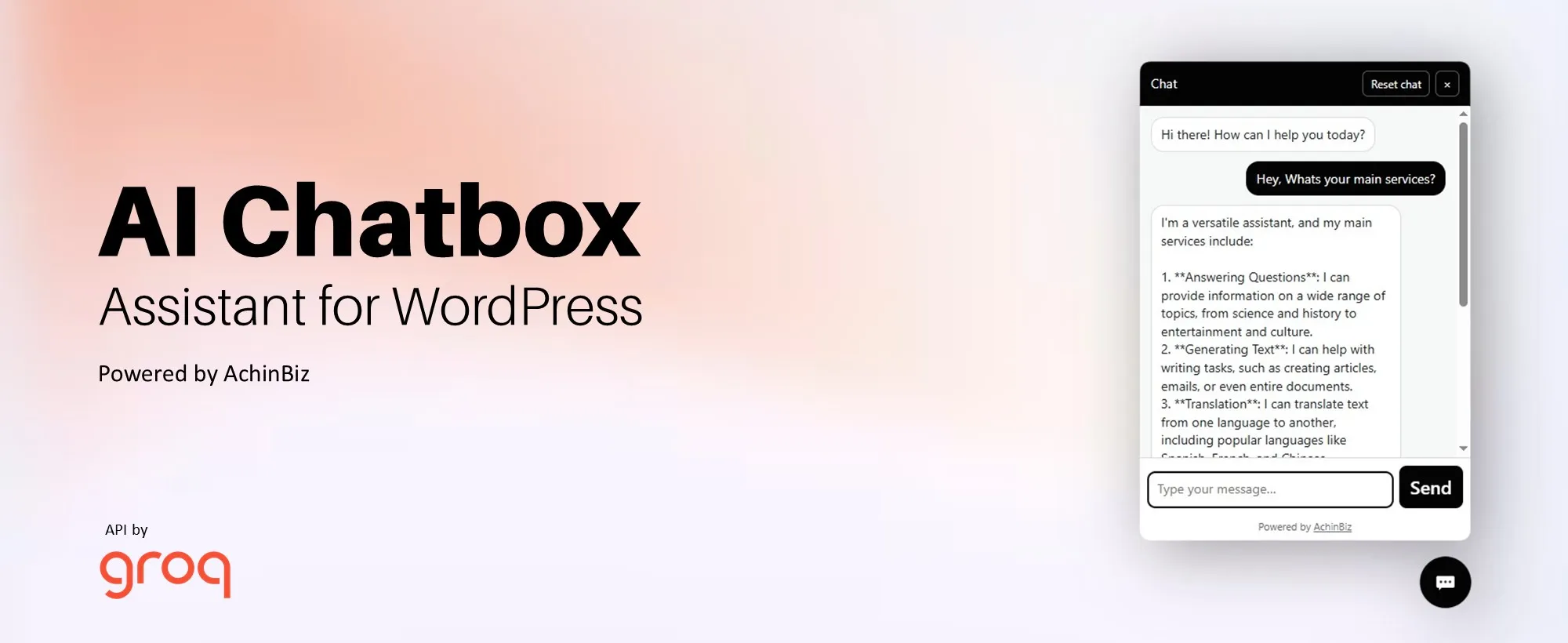
- AI-powered chatbot (Groq API integration)
- Trained with your business details & website content
- Clean floating chat UI (modern + fast)
- No technical setup required
- Fully customizable (icon, color, position)
- Show on entire site or specific pages
- Secure & optimized for WordPress
Train the Chatbot with Your Business
Easily add your company information inside the plugin:
- Company Name
- Industry
- Location
- Contact Info
- Services & Products
- FAQs & policies
The chatbot uses this data to give accurate and relevant answers to your visitors.
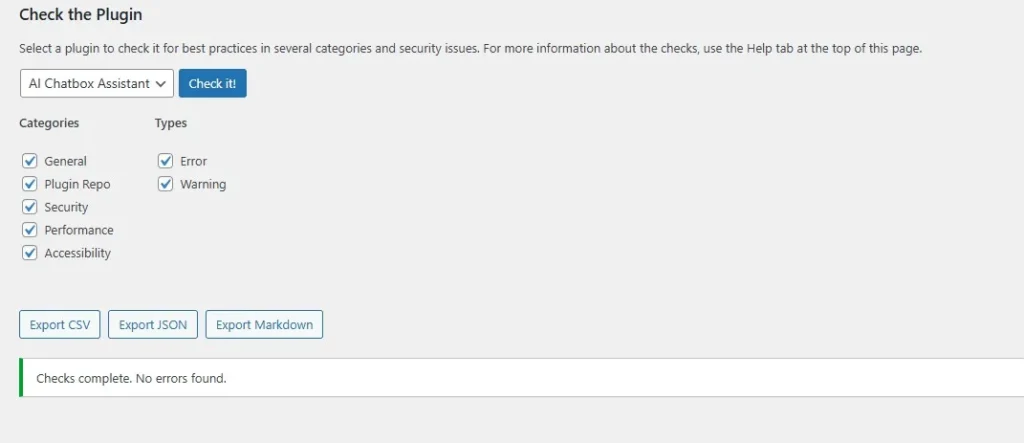
Tested & Verified
- No errors or warnings
- Fully tested plugin
- lean and optimized code
See the plugin checker results below
How It Works
- Install & activate the plugin
- Add your Groq API key
- Enter your company details & knowledge base
- Customize chatbox design
- Done, your AI chatbot is live
How to Get a Free API Key (Groq)
Follow these simple steps:
- Go to Groq Console https://console.groq.com/
- Sign up / log in
- Navigate to:
- Click:
- Copy your key and paste it into the plugin settings
Important Notes
- Keep your API key private
- Free tier available (may have limits)
- No OpenAI account required
Customization Options
- Change chat icon
- Adjust chat position (left/right)
- Set brand colors
- Add welcome message
- Control where chatbot appears
Perfect For
- Business websites
- Service providers
- E-commerce stores
- Course platforms
- Agencies & freelancers
Get Started Now
Install the plugin, connect your API, and start converting visitors into customers with AI.